


Did you know that the Joint Admission Matriculation Board [JAMB] has began dispatching the new exam center, date and time for the 2017 UTME Mock Test scheduled to now hold on April 29th, 2017? Messages are now being sent via SMS and Mail.
Upon the detail stated above, ou are hereby requested to reprint your Mock Exam Slip (e-Slip) to confirm your exam centre, date and time.
Steps to Print the New 2017 UTME Mock e-Slip
1: Visit the official JAMB e-Facility Portal at www.jamb.org.ng. MTN or GLO users who are having problems accessing the above link can click here
2: Login with your email address and password used to create your profile.
3: Click the red box that says "Print Mock Slip"
Please note that the Main Exam e-Slips have been put on hold, quite possibly until after registrations. Like we suggested earlier, Main Exam e-Slips will be available as from 8th May. Best of Luck !
About YugoBOSS Stores
cbtexams.com.ng is the major distributor of TestDriller products in Lagos,
Nigeria.
Our services also includes but are not limited to career counselling, examination registrations, examination preparatory sessions administration, administering tests / examinations, sales of examination scratch cards, digital marketing services, business mentoring, to mention but a few.
For inquiries, bookings,or order, call us on +234 703 983 1190
or send a mail to admin@cbtexams.com.ng.


Subscribe to:
Post Comments (Atom)
Featured post
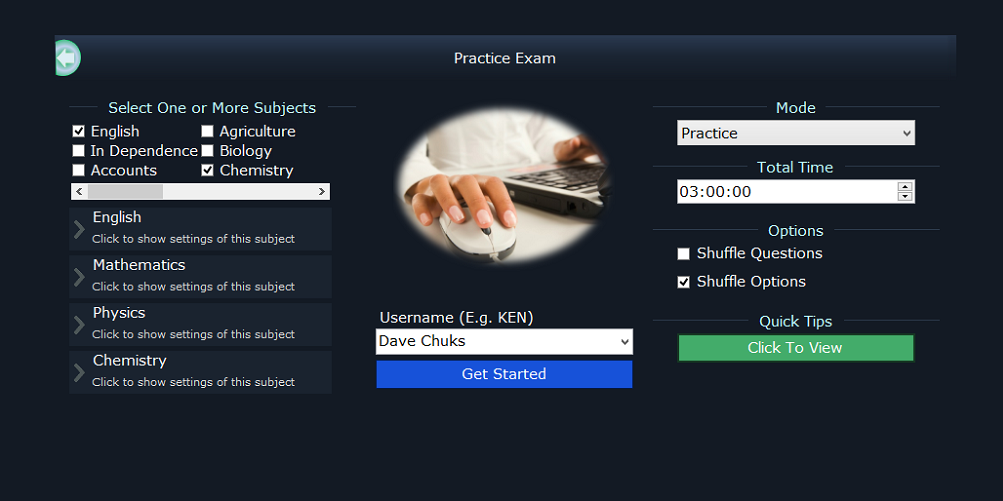
TestDriller Updates Available,...Checkout Amazing New Features In TestDriller JAMB UTME And WAEC SSCE 2017
TestDriller Updates Available,...Checkout Amazing New Features In TestDriller JAMB UTME And WAEC SSCE ...

No comments:
Post a Comment